 Reach
Your home, within reach.
Reach is a calm, native iPhone app for the Home Assistant in your home. Good morning and good night, the shades, the thermostat, the camera, the air and the alarm, on one screen that tells you the truth about your house.
Coming to the App Store. Try the built-in sample home, no server needed.
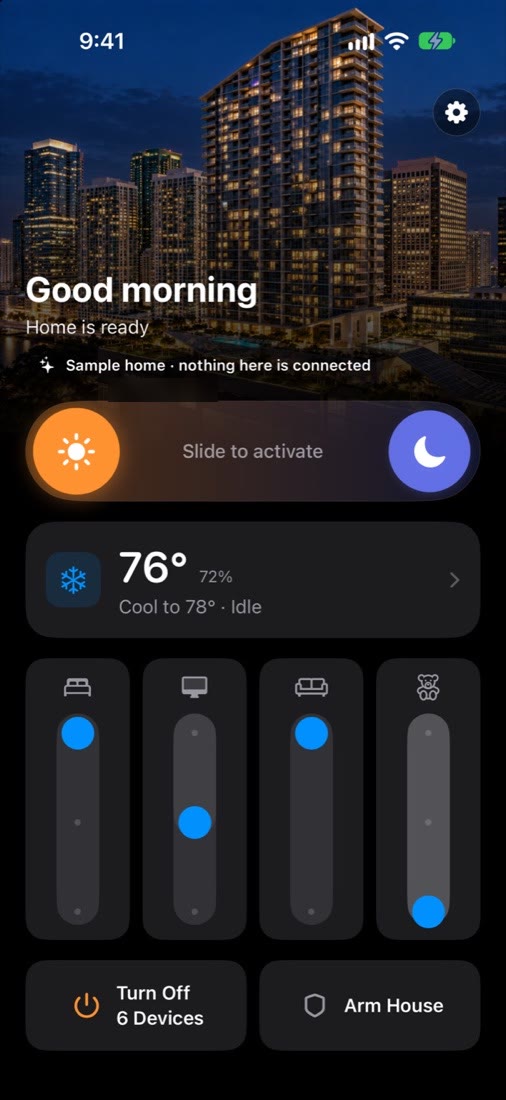
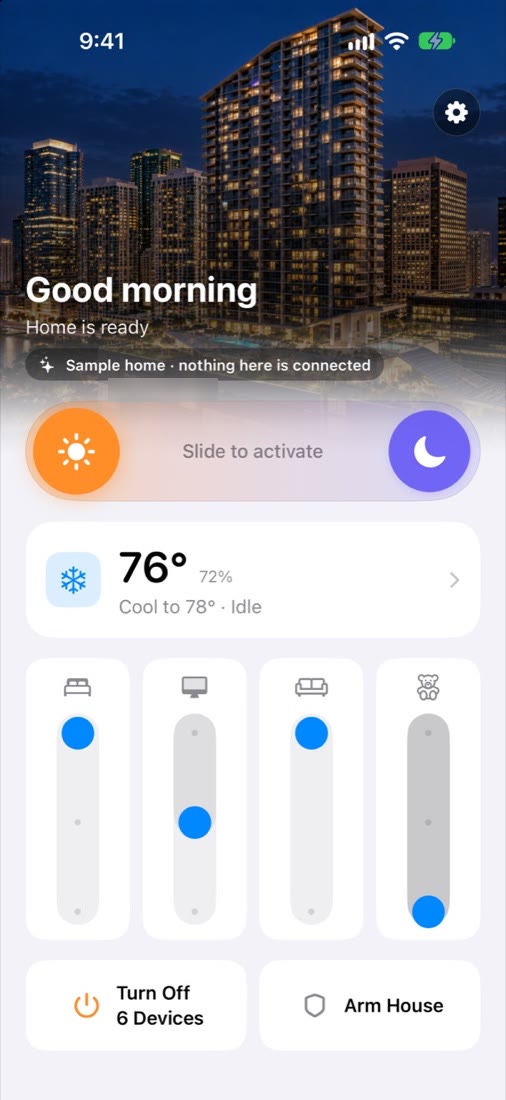
One screen. The whole home.
Reach is not a dashboard you build. It is a finished control surface for a household that runs Home Assistant: the things you do every day are one slide, one tap or one hold away, and everything it shows comes straight from your own server.
- Routines
- Shades
- Thermostat
- Alarm
- Camera clips
- Air quality
- Notifications
- System updates
- Control Centre
- Siri
Good morning in one slide.
The Home screen is built around what a household actually does.
- Morning and night routines. Slide toward the sun or the moon to run your Home Assistant scripts. A slide can't be triggered by accident in a pocket.
- Shades by room. One column per room, with open, half and closed positions you set with a thumb.
- Turn off everything. The button counts what is still on, and one hold turns it all off.
- Arm the house. Press and hold to arm, so a stray tap never does it.
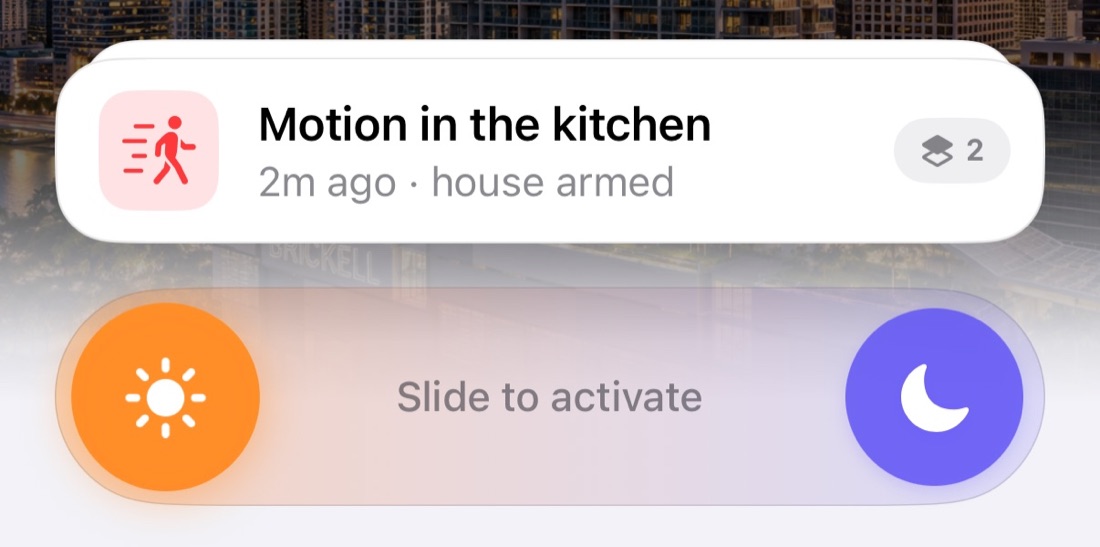
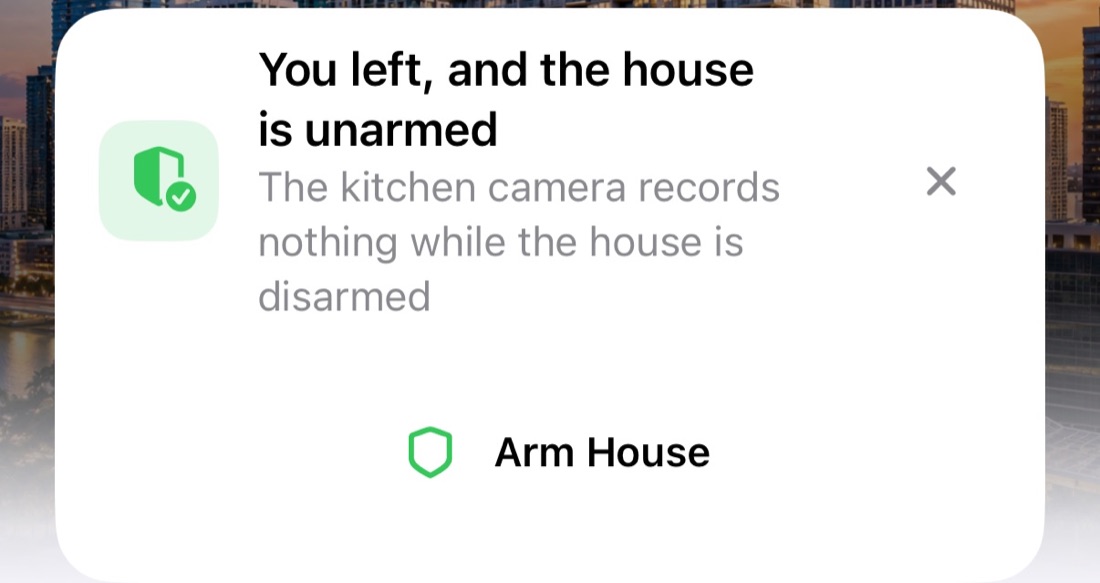
It speaks up when something needs you.
Cards rise to the top of the Home screen when something deserves attention, and leave once it has been dealt with.
- Motion while you're away. See when the camera picked something up and open the clip.
- You left and the house is unarmed. Arm it straight from the card, or from the notification itself.
- Welcome back. Disarm from the notification. Face ID is required, so a phone left on a table can't open the house.
- Air and carbon monoxide. A warning appears when the readings call for one.
A thermostat you can read at a glance.
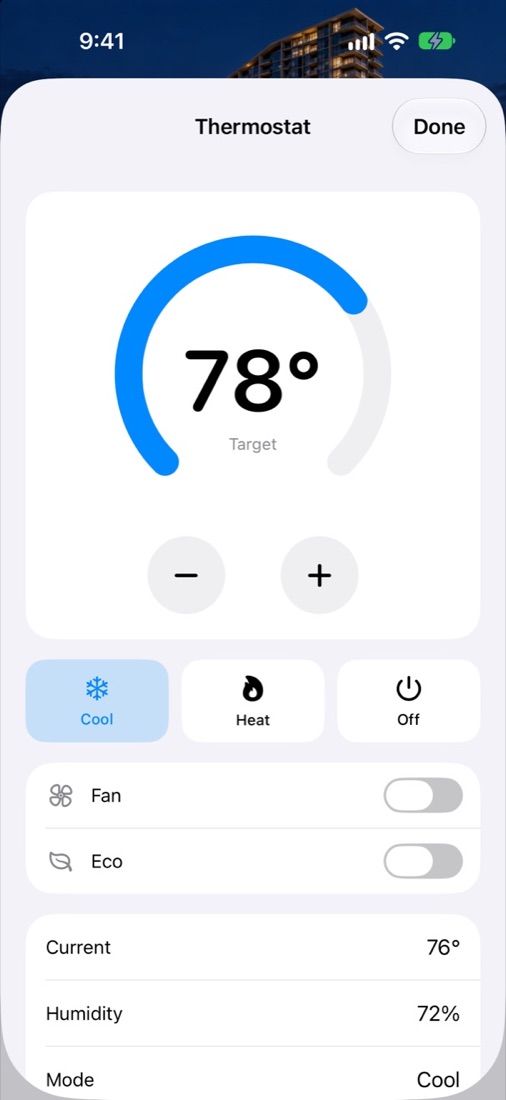
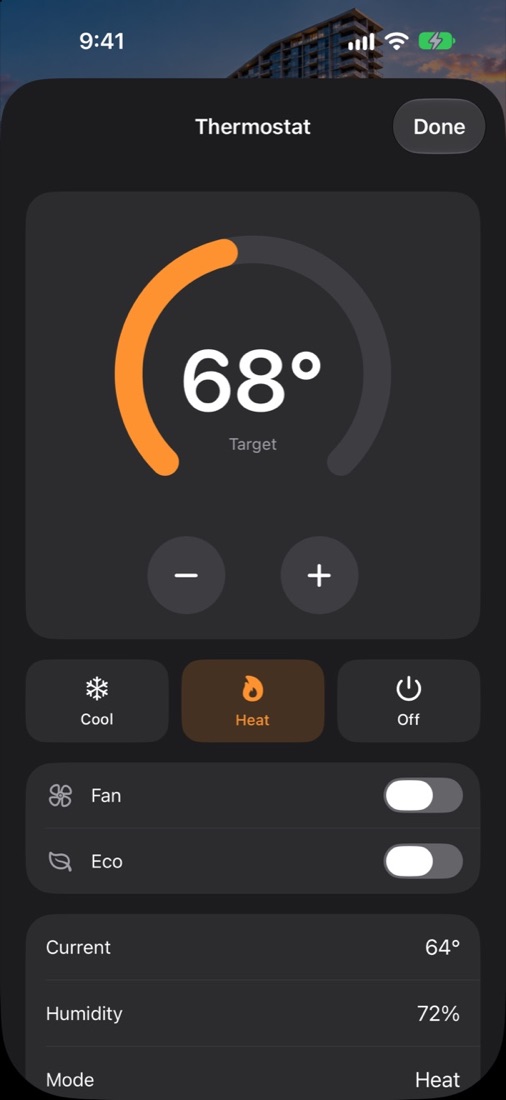
Set the temperature on a dial, switch between cool, heat and off, and turn the fan or eco mode on and off. Current temperature, humidity and mode are listed under the dial. When Home Assistant hasn't confirmed a change yet, Reach says so instead of guessing.
Know what the camera saw.
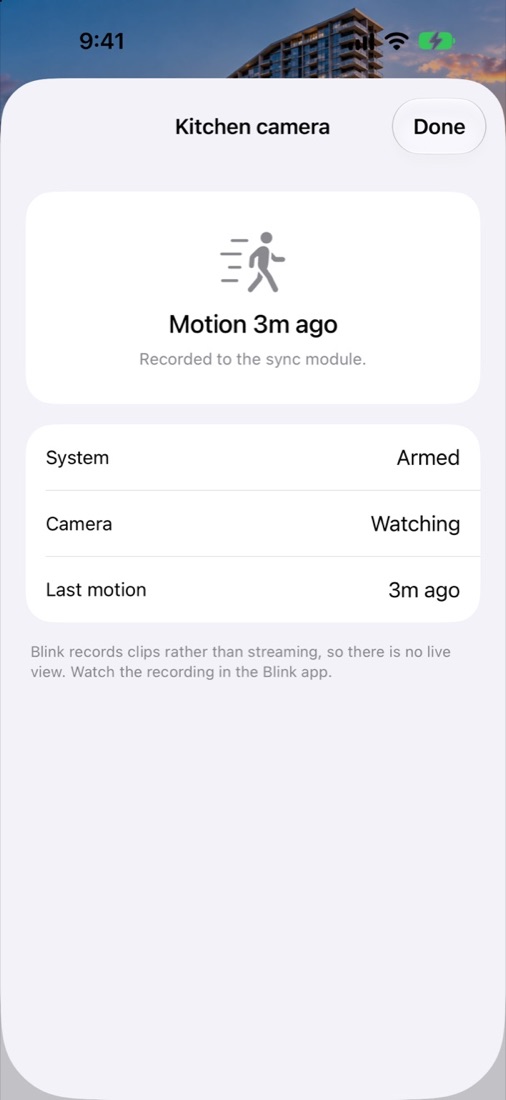
The camera screen shows whether the system is armed, whether the camera is watching, and when it last saw motion. Clips that Home Assistant saves play right in the app, and an alert from hours ago still opens its own footage.
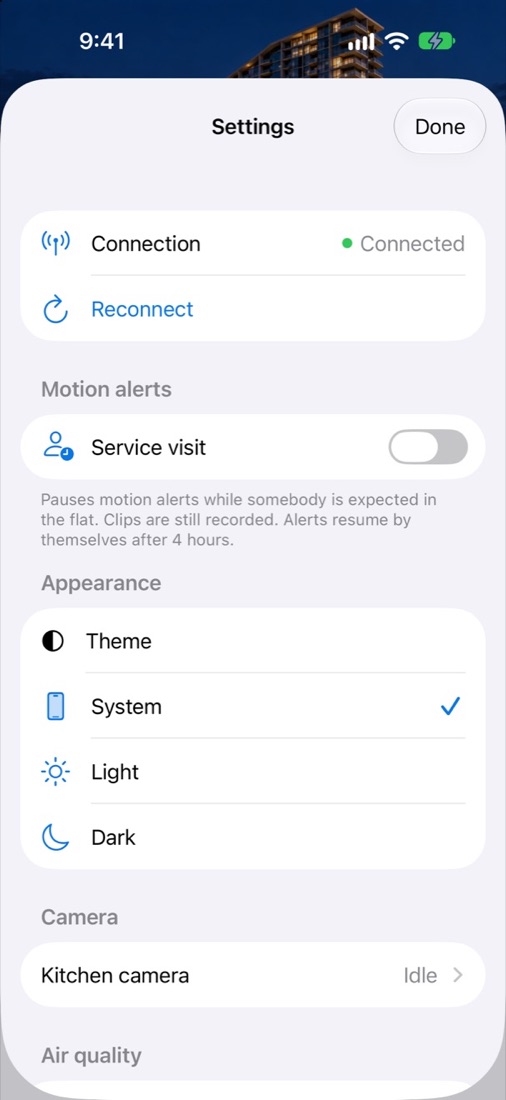
Expecting a cleaner or a repair visit? Turn on Service visit in Settings to pause motion alerts. Clips are still recorded, and alerts turn themselves back on after four hours.
The air, explained.
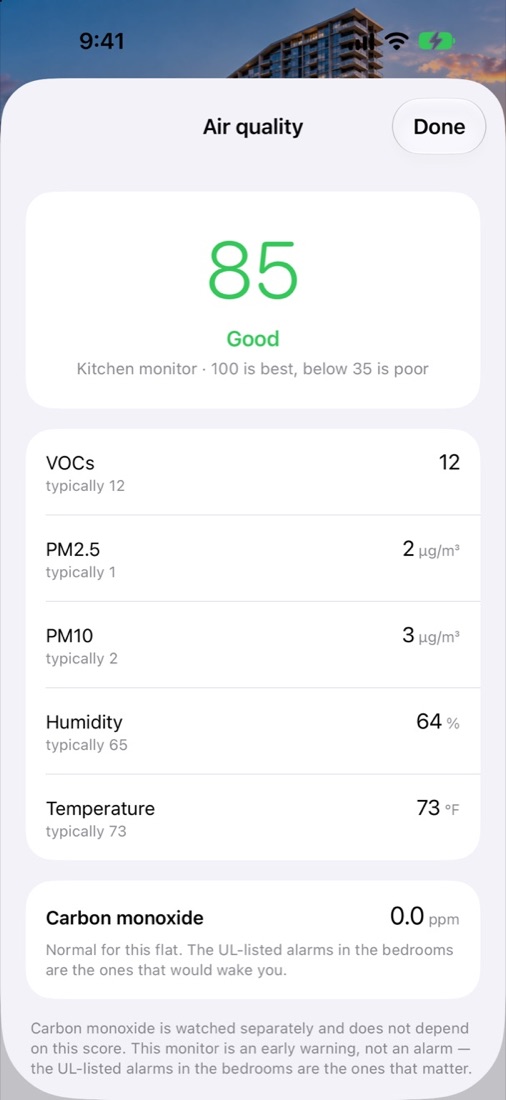
One score out of 100, with each reading behind it (VOCs, PM2.5, PM10, humidity and temperature) next to what is typical for your home, so you can see what changed.
Carbon monoxide is shown separately and never folded into the score. Reach is an early warning only. Your certified CO alarms are the ones that keep you safe.
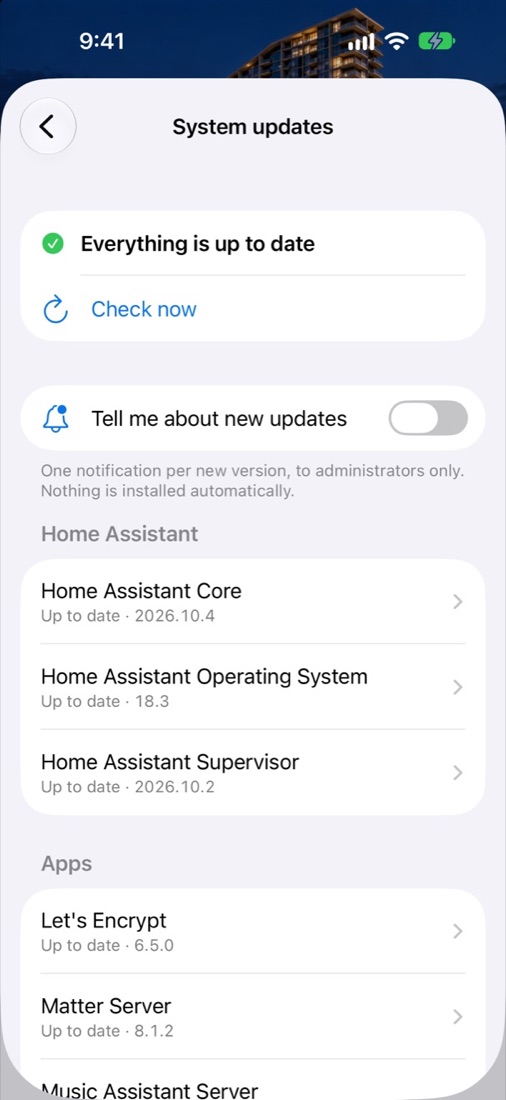
Keep Home Assistant up to date from your phone.
See which updates Home Assistant has for Core, the operating system, the Supervisor and its apps, and read each one's release notes in a clean layout. Administrators can choose to get one notification per new version. Nothing installs on its own.
If an update needs a restart, Reach tells you. There's also a step-by-step guide for restoring from a backup if you ever need one.
Without even opening the app.
Add Good Morning, Good Night and Turn Off Devices to Control Centre or the Lock Screen, or just ask Siri. They do exactly what the buttons in the app do.
- “Good morning with Reach”
- “Good night with Reach”
- “Turn off devices with Reach”
Small, honest settings.
- Connection. Whether Reach is talking to Home Assistant right now, with a Reconnect button.
- Notifications. Alerts from your home's automations, delivered to your phone.
- Share when I'm home. Off by default. If you turn it on, Home Assistant learns only whether you're home or away, never where you are. How it works.
- Appearance. Light, dark, or follow the system.
Look around before you sign in.
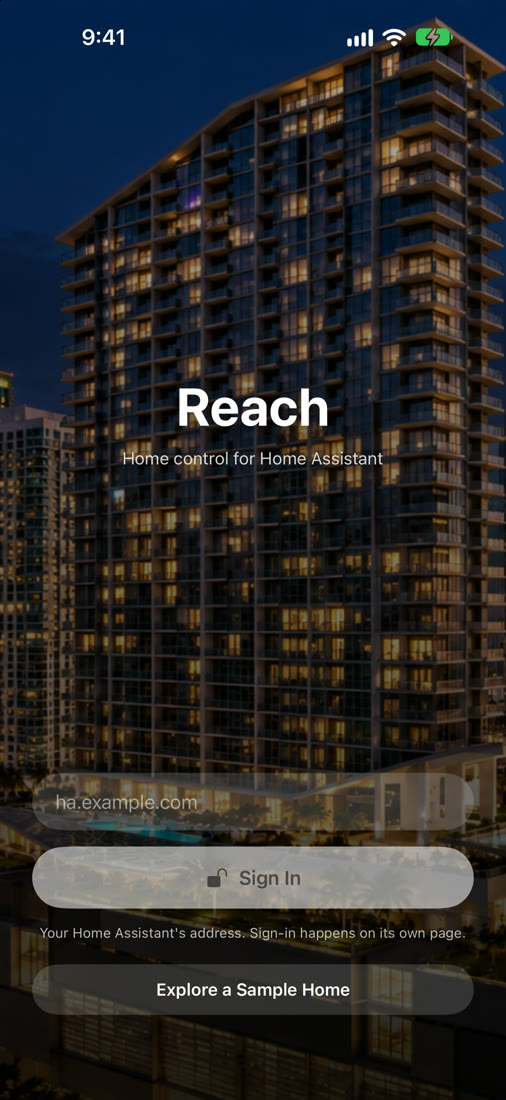
Tap Explore a Sample Home on the sign-in screen to try every screen with made-up data. The sample can't reach any real home. It has no account, no network connection, no notifications and no location access.
Talks only to your home
Reach connects to your own Home Assistant server and nothing else. You sign in with your Home Assistant account, and the sign-in stays in your iPhone's Keychain.
No ads, no tracking
There are no analytics or advertising SDKs, and nothing is used for tracking. Read the privacy policy.
Says what it knows
Reach shows what Home Assistant reports, not what it hopes happened. If something didn't work, it tells you why.